
This article was published in 2013 and updated in October 2026.
Your iPhone and iPad hold some of your most personal information: passwords, banking apps, photos, messages, health data and payment cards. In 2013 we recommended installing extra security apps. Today many of the best protections are built into iOS and iPadOS — you just need to turn them on — and a few apps add useful extras. Here are the top tools to keep your iPhone and iPad secure.
1. Passwords app or a password manager
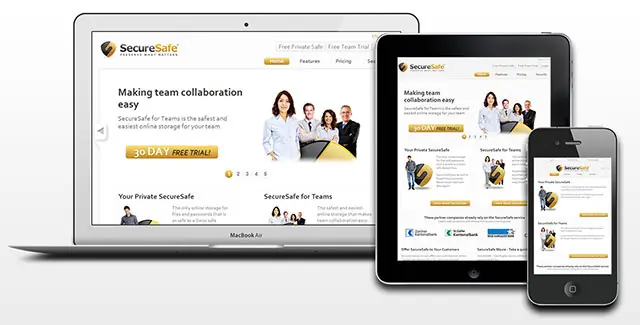
Since iOS 18, Apple’s Passwords app stores your passwords, passkeys, Wi-Fi passwords and verification codes, syncs them across your Apple devices via iCloud Keychain and warns you about weak, reused or leaked passwords. If you also use Windows or Android, a cross-platform password manager such as 1Password or Bitwarden is a good alternative. Either way, use a unique, strong password for every account.
Reading suggestion: Top 5 iOS Apps to Protect Your Data
2. Find My
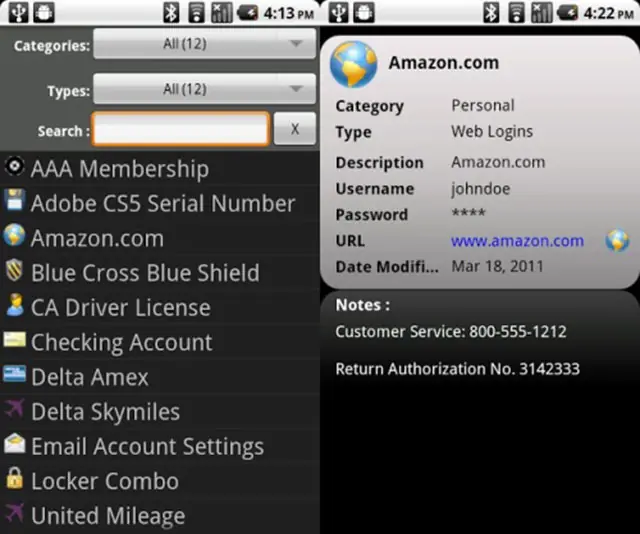
Find My is built into every iPhone and iPad. If your device is lost or stolen, you can see it on a map, play a sound, turn on Lost Mode to lock it and show a message with your phone number, or erase it remotely. Activation Lock means a thief can’t set up your device without your Apple Account password. Check that it’s on under Settings → [your name] → Find My.
3. Stolen Device Protection
Thieves sometimes watch you enter your passcode before stealing your phone. With Stolen Device Protection (iOS 17.3 and later), sensitive actions — such as changing your Apple Account password or viewing saved passwords — require Face ID or Touch ID when you’re away from familiar locations, plus a one-hour delay for the most critical changes. Turn it on under Settings → Face ID & Passcode.
4. Two-factor authentication and passkeys
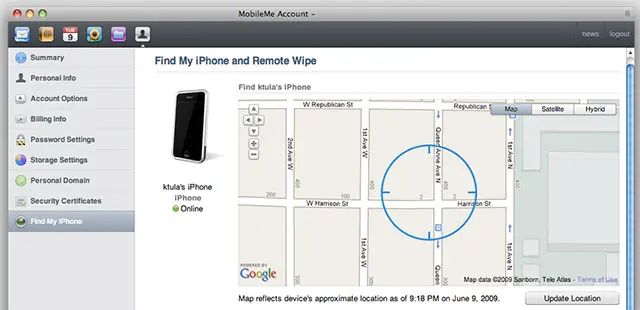
Protect your Apple Account with two-factor authentication (it’s on by default for new accounts) and use passkeys wherever websites and apps offer them — they can’t be phished like passwords. For other accounts that use one-time codes, the Passwords app or an authenticator app such as Google Authenticator or Microsoft Authenticator can generate them.
5. iCloud security and Safety Check
- Advanced Data Protection adds end-to-end encryption to most iCloud data, including backups, photos and notes — only your trusted devices hold the keys. Set up a recovery contact or recovery key first.
- Safety Check (Settings → Privacy & Security) lets you quickly review and stop sharing your location and data with people and apps — especially important if you’re worried someone has access to your device.
- Lockdown Mode is an extreme protection for the small number of people who might be targeted by sophisticated spyware, such as journalists or activists.
6. Keep track of your money
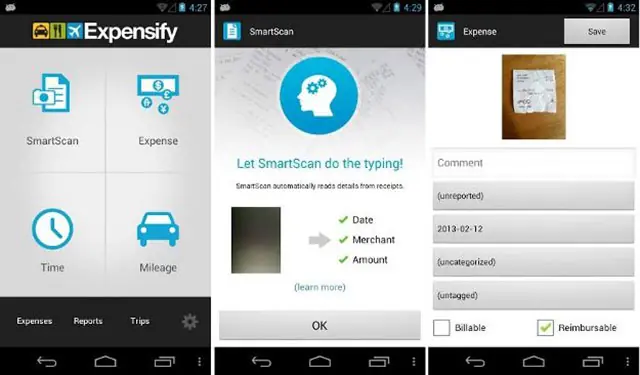
Expense apps such as Expensify, which we recommended in 2013, are still useful for tracking receipts — but for security, your bank’s own app is the most important: turn on notifications for every transaction so you notice unauthorised payments immediately, and use Apple Pay instead of handing over your card details.
Reading suggestion: The Best Gadgets To Help You Save Money
The basics still matter most
Use a six-digit passcode or longer with Face ID or Touch ID, install iOS updates promptly, download apps only from the App Store, and be wary of links in unexpected messages. With these built-in features switched on, your iPhone and iPad are among the most secure devices you can own.


















Stephan
Sep 22. 2013
Very nice list,
i’m using Expensify for my iPhone now, working great, easy to use .
Can’t wait to try the rest of the list.
Thanks for your sharing.
Stephan
samad
Sep 23. 2013
Thanks for the security app list.Will give a try for them
Kathrine
Sep 23. 2013
Stephen, Thanks for your time. Expensify is one of the best apps and keeps your data safe effectively.
Klaudia
Oct 01. 2013
mobile security has become an important factor in our daily Internet world. Thanks for sharing these iOS apps
majida
Oct 13. 2013
My vote is for Find my iPhone.
peter
Jul 07. 2014
At present time security concerns are the main reason for which users can search security related apps. I would like to say thanks for sharing a security related apps.
Katherine Switzer
Jul 23. 2014
Peter, Thanks for reading 🙂